
Mouse & Keyboard
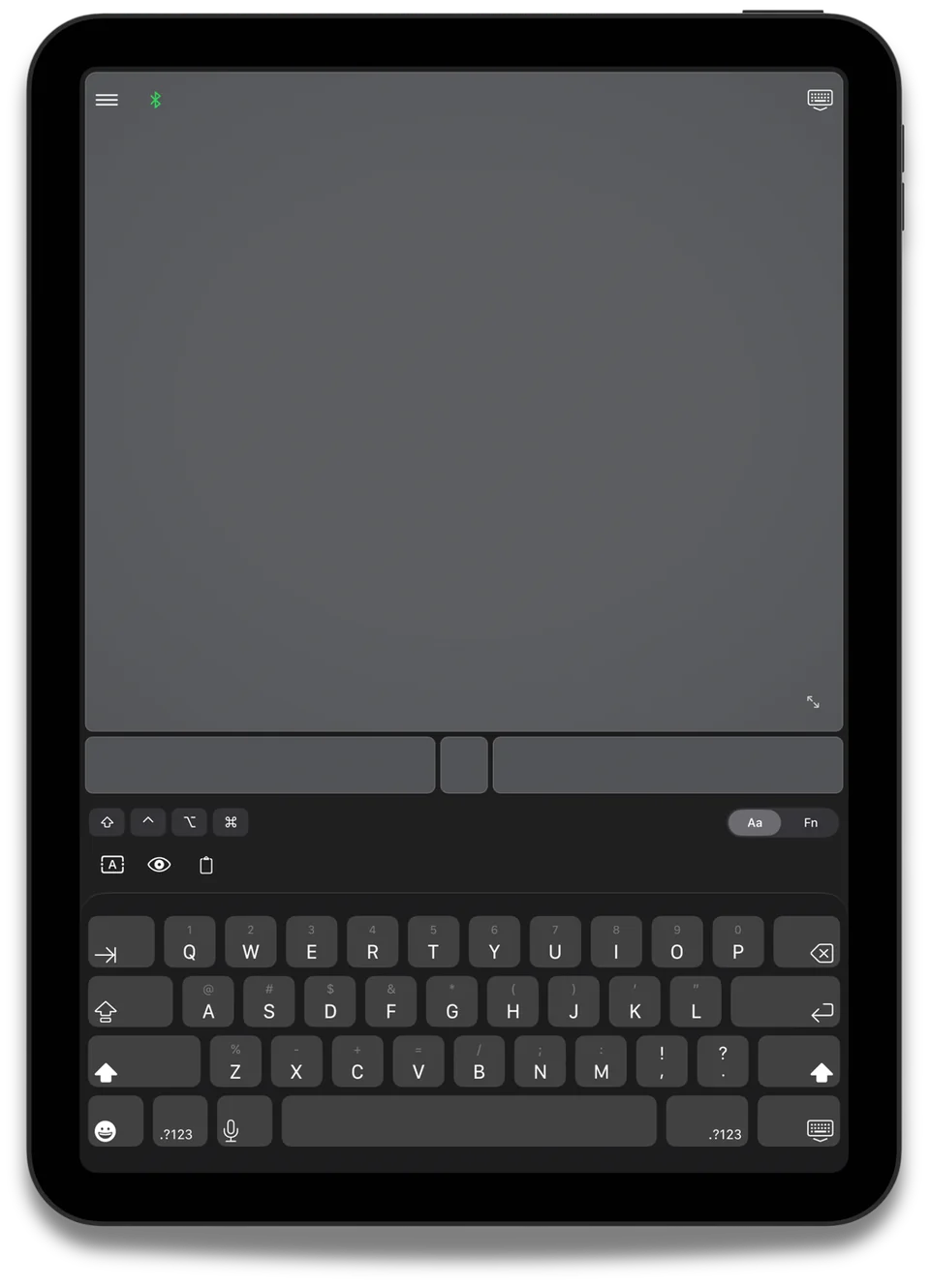
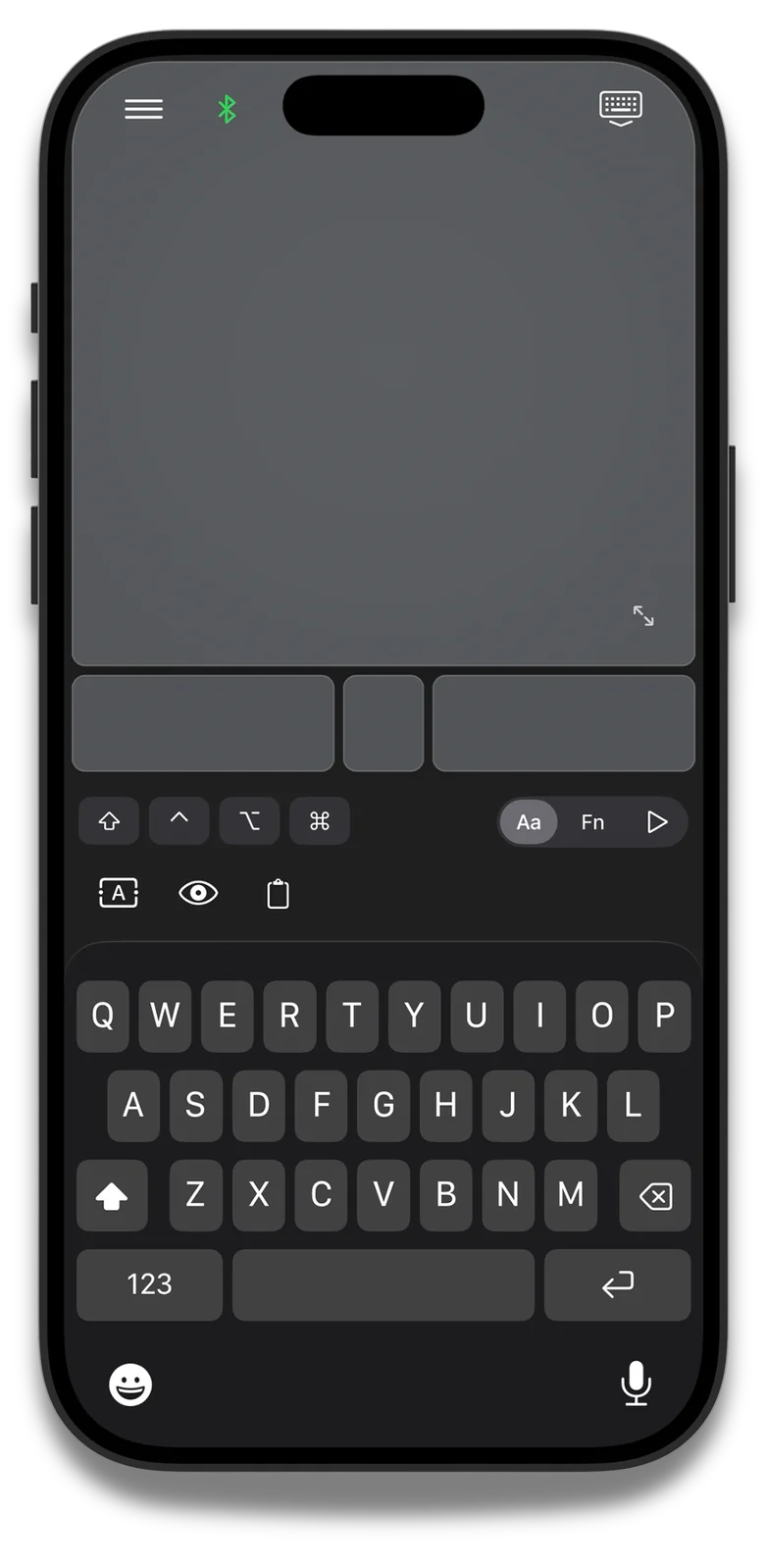
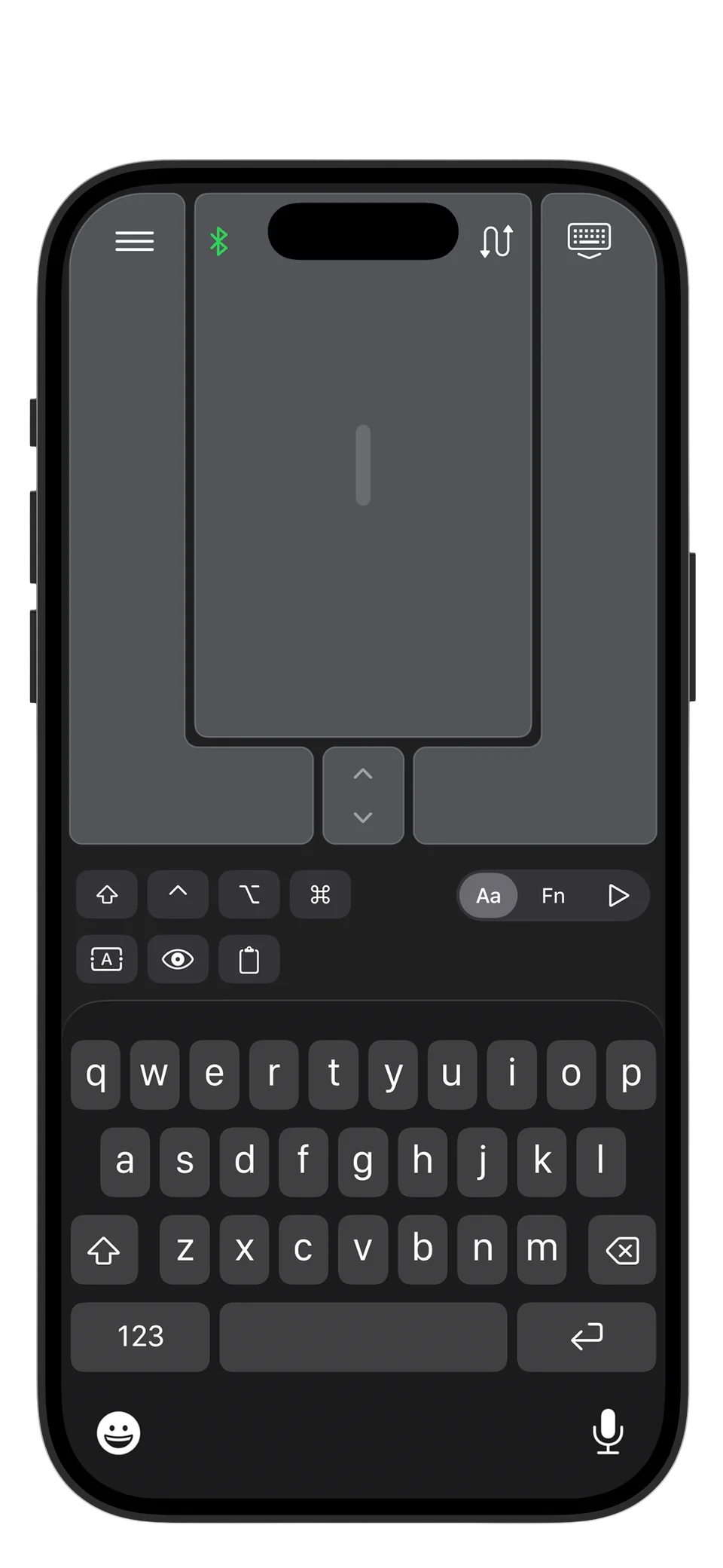
Full QWERTY keyboard
with modifier keys and
precise cursor control
Turn Your iPhone into a Bluetooth Mouse & Keyboard
No WiFi, No Server Software Required
Turn your iPhone or iPad into a real Bluetooth
mouse and keyboard for Mac, Windows,
Linux, and iPad. Mobile Mouse connects
directly via native Bluetooth—no companion
software, no WiFi, and no dongle required.
Pair your devices and take control, even
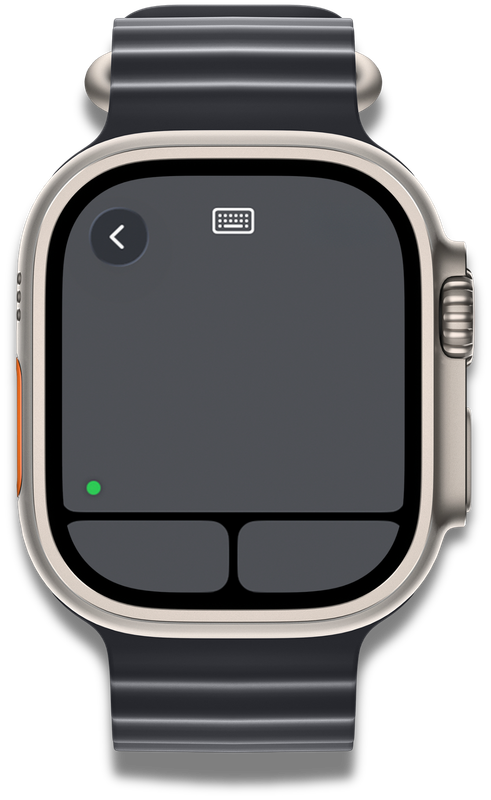
completely offline. An Apple Watch app
is also included for Mac and iPad control.

Free Trial Available
Mobile Mouse was one of the first remote control
apps on iOS, originally built to use local Wi-Fi
networks. For many years, that approach made it
possible to control computers from mobile devices
in ways that didn’t exist before — and it worked
well.
Today, device control has evolved. Mobile Mouse
Bluetooth represents the next step forward, using
native Bluetooth instead of network-based
connections. By removing servers and Wi-Fi
networks entirely, it provides direct mouse and
keyboard input without a desktop server. Choose
Bluetooth when you need nearby control without
a shared network.
Users have always wanted to control their iPad
with their iPhone, and we delivered.
 Try Mobile Mouse Bluetooth Free

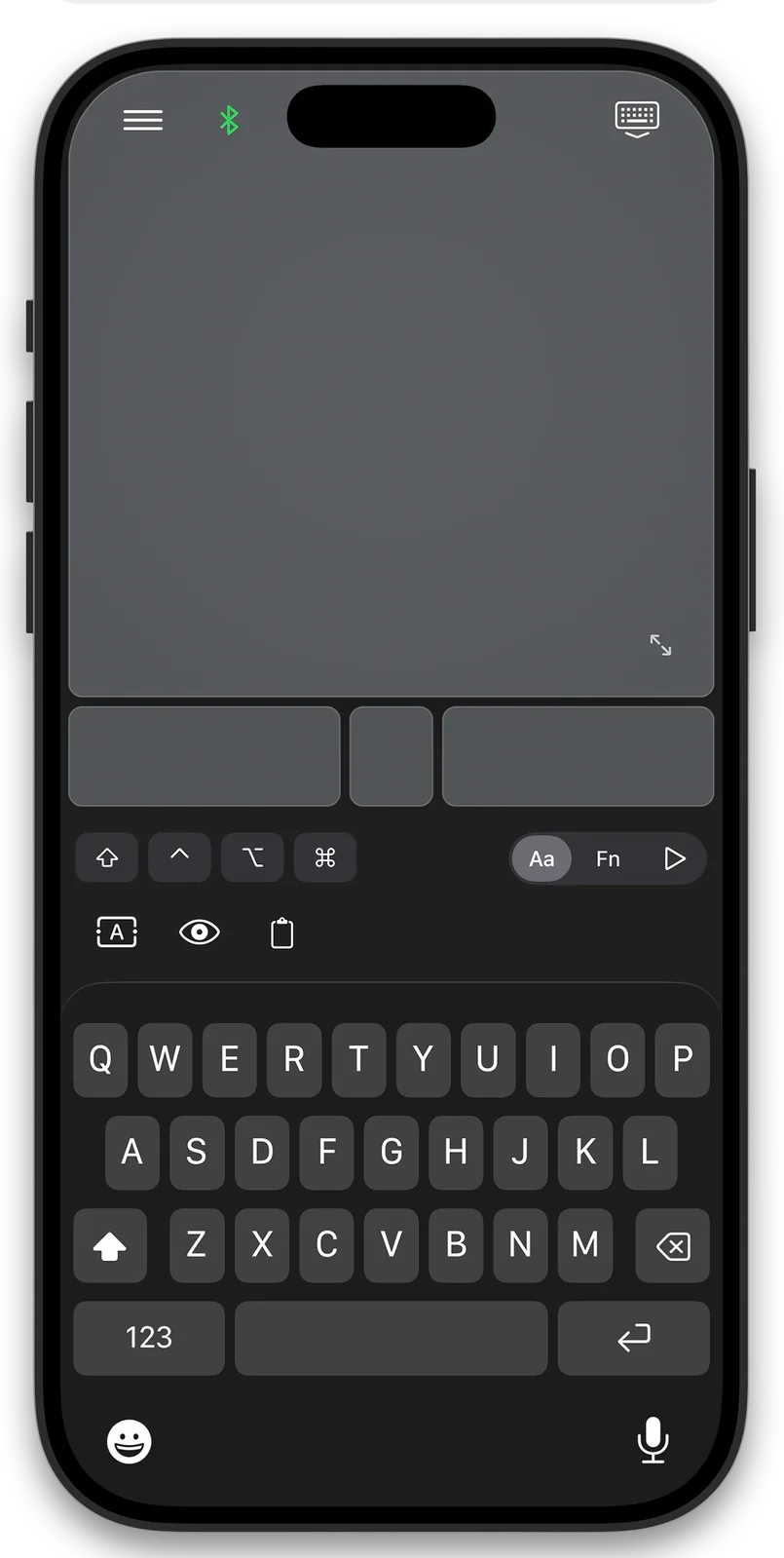
Full QWERTY keyboard
with modifier keys and
precise cursor control
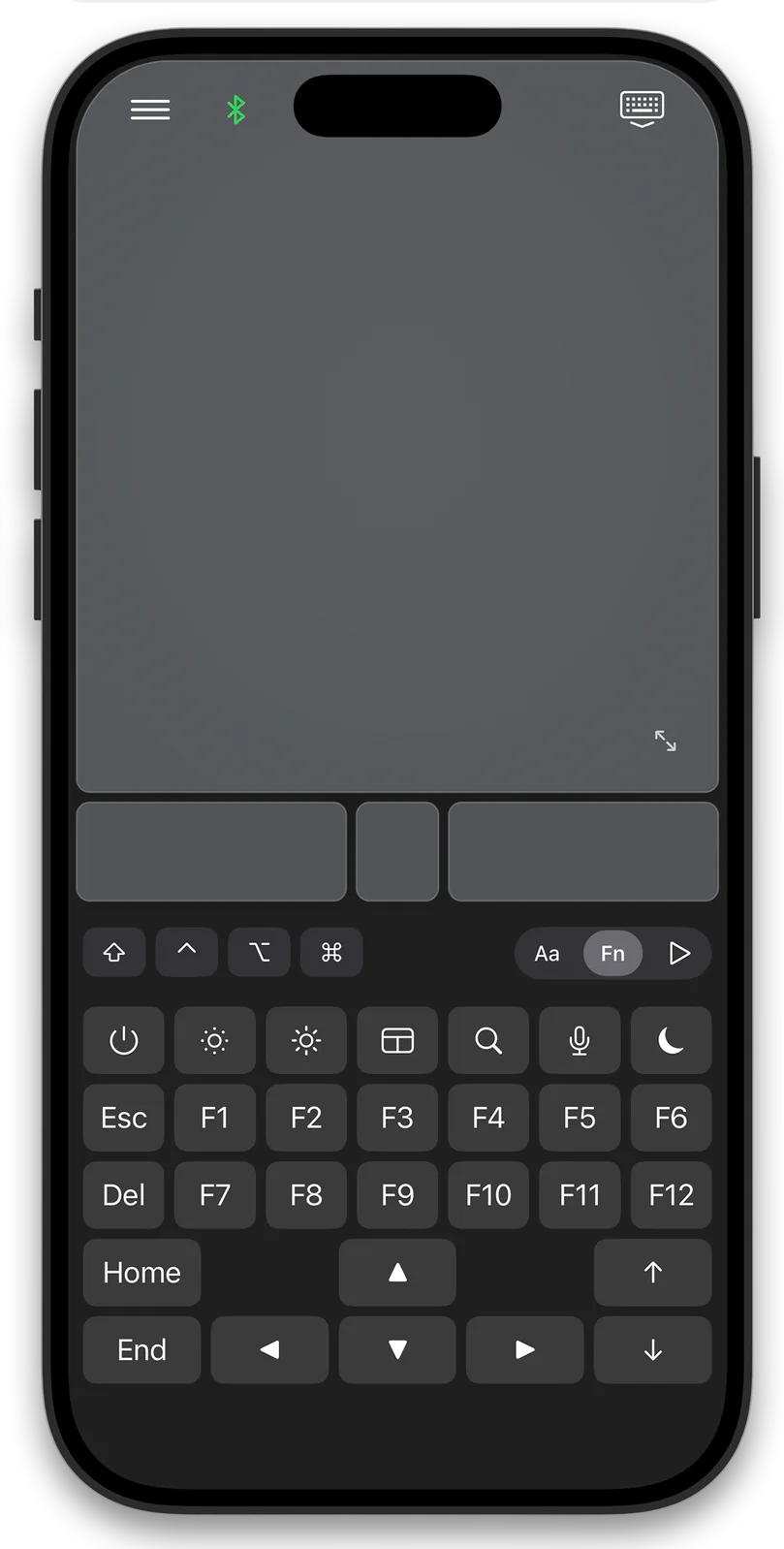
Access F1-F12, brightness,
volume, and system
controls instantly
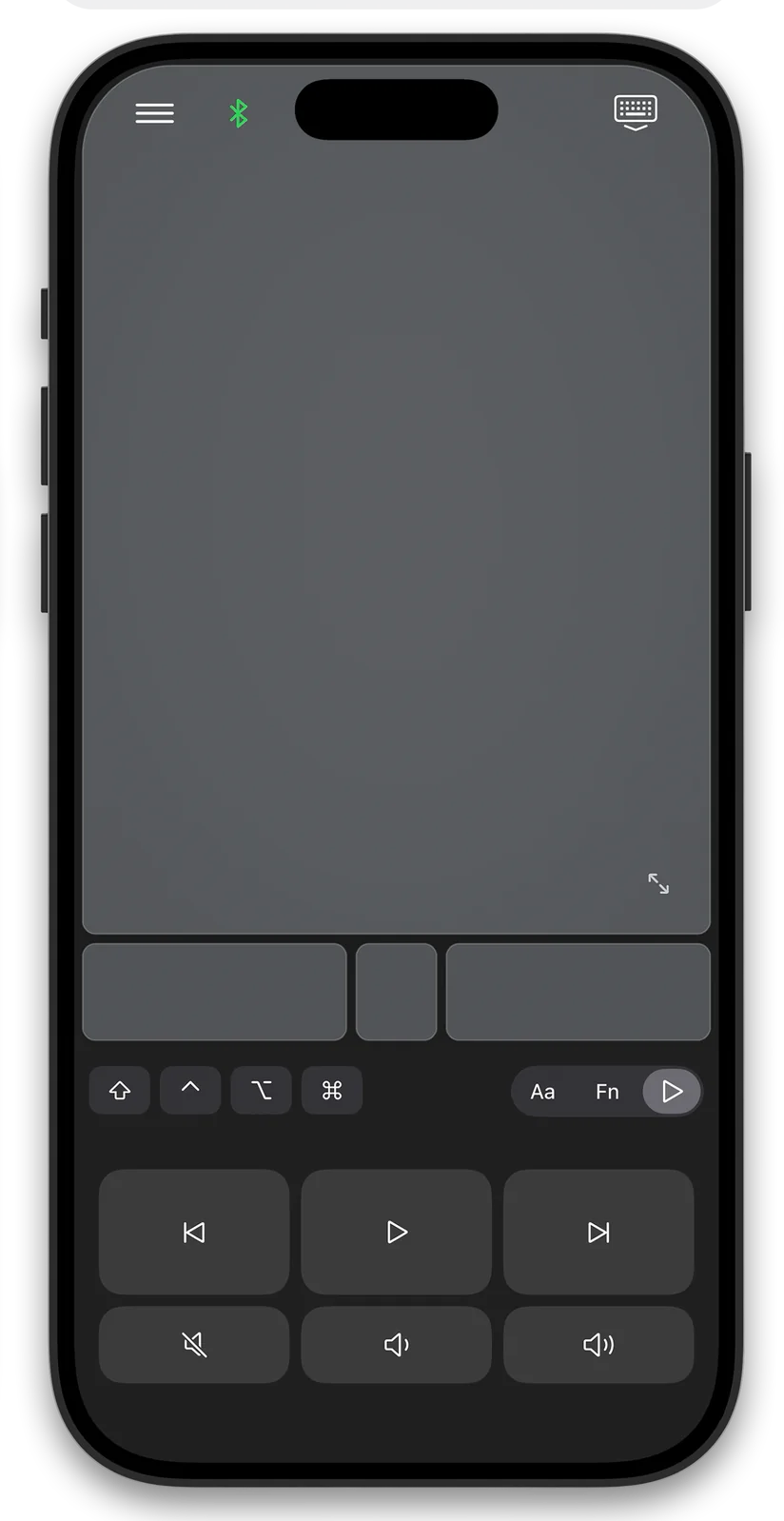
Play, pause, skip, and
control volume in supported
media apps
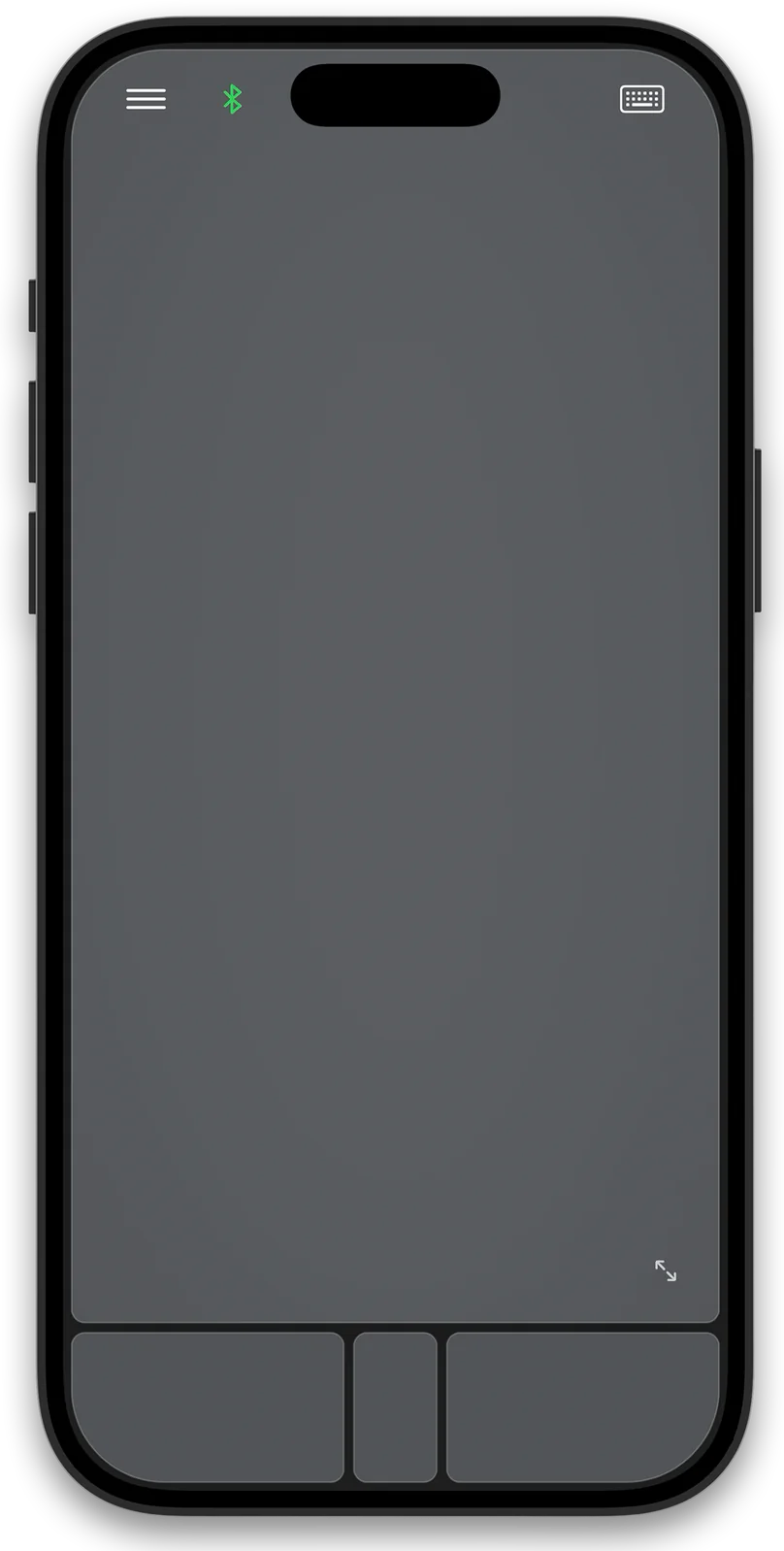
Swipe, scroll, pinch, and
gesture just like a Magic
Trackpad
Control your cursor
with the motion
of your iPhone
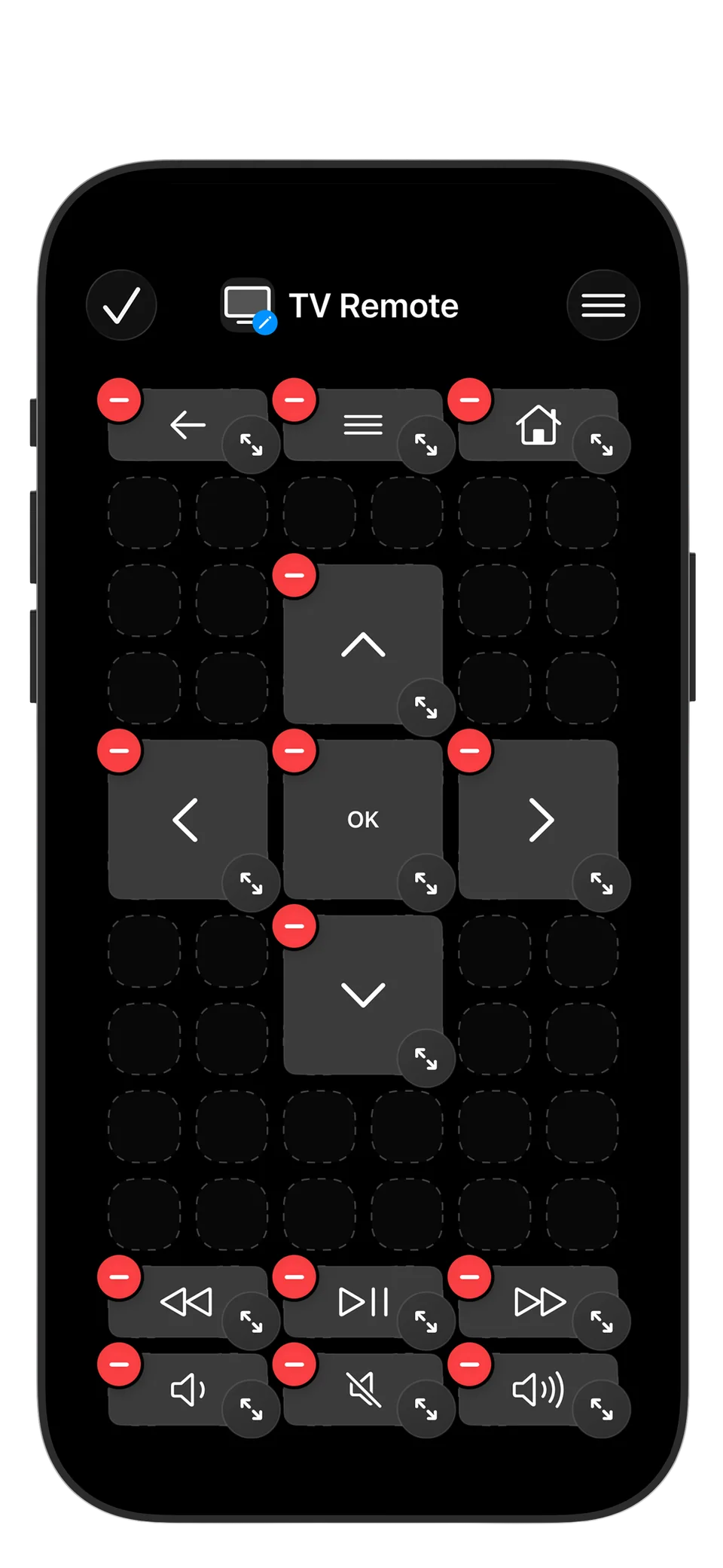
Build custom remotes
with buttons arranged
just the way you like
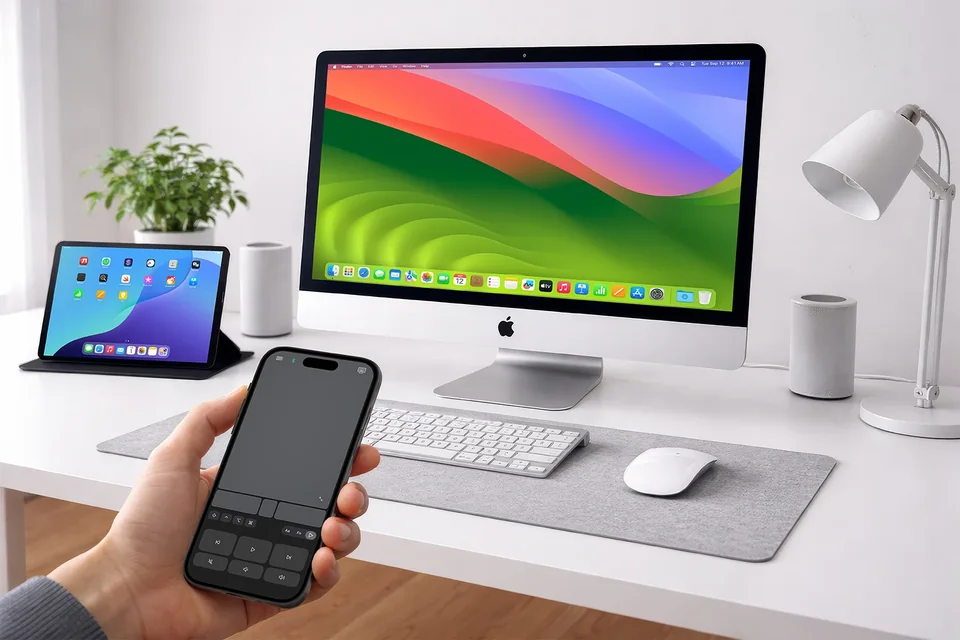
Mobile Mouse Bluetooth turns your iPhone or iPad into a mouse and keyboard for a compatible device. Pair directly, then use the trackpad, keyboard and media controls without a Wi-Fi network.
Mobile Mouse Wi-Fi uses desktop server software on Mac or Windows for application-aware remotes, presentation controls and file browsing. Local control works on a shared network; internet access is not required for that connection.
Bluetooth and USB provide mouse and keyboard input without the desktop server. Choose by the device you want to control, the features you need, and whether you can install software.
Compare Wi-Fi, Bluetooth and USB →
Use your iPhone as a mouse for Mac
Use your iPhone as a mouse for Windows

Add USB connectivity with the optional Bluetooth USB-C
dongle. Control compatible USB devices without native
Bluetooth support, and access BIOS screens.
After a simple pairing process, Mobile Mouse controls compatible USB
hosts through the dongle. Windows, Linux, Meta Quest,
Raspberry Pi, Android/Chrome Devices, many Smart TVs, game
consoles, and a lot more
* Optional: no dongle is needed for direct Bluetooth control of
compatible Mac, Windows, Linux, and iPad devices.
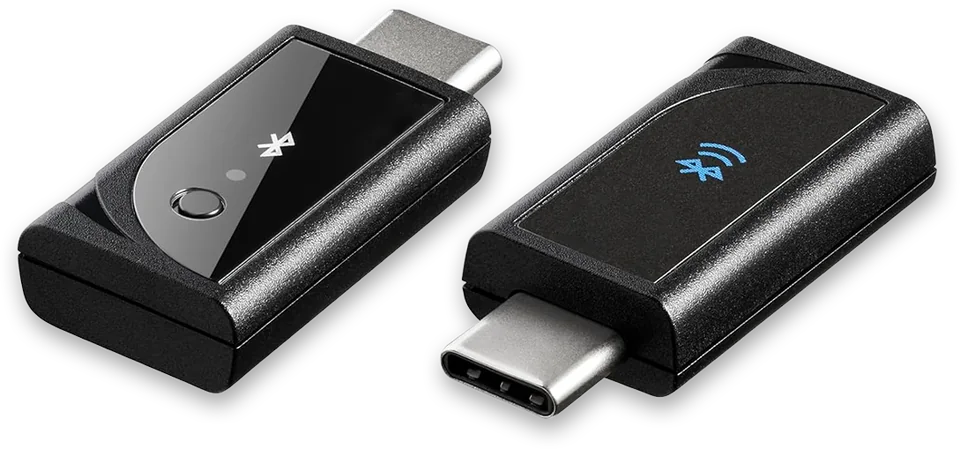
USB-C Mobile Mouse Dongle
Buy Now
Email: bluetooth@mobilemouse.com
Please reach out if you have any issues using the
app or any questions.

Good to know
Connection, compatibility, and getting started.
Yes. Mobile Mouse Bluetooth turns your iPhone into a Bluetooth HID mouse for Mac. Open the app and your iPhone appears in your Mac's Bluetooth settings like a physical Bluetooth mouse, with no companion software or WiFi network required.
Yes. Mobile Mouse Bluetooth works offline through a direct native Bluetooth connection, with no internet connection required.
No. Compatible Mac, Windows, Linux, and iPad devices recognize Mobile Mouse as a standard Bluetooth keyboard and mouse. Pair through Bluetooth without companion software or a dongle.
Bluetooth pairs directly with a compatible device without desktop software. Mobile Mouse Wi-Fi uses a desktop server for app-aware remotes and computer controls. Local Wi-Fi works on a shared network; Cloud Access is a separate internet option.
Yes. An iPhone can control a compatible iPad as a Bluetooth mouse and keyboard.
Yes. The included Apple Watch app provides simple remote control for a Mac or iPad, including presentations and media.
Yes. Control compatible Windows and Linux computers directly over Bluetooth from your iPhone or iPad. No companion software or USB dongle is required. The optional dongle lets you move between compatible USB hosts without pairing with each host. Pair with the dongle once, then plug it into the device you want to control. BIOS access is available where supported.
Yes. Keyboard input uses Bluetooth's built-in encryption, like a standard physical Bluetooth keyboard.
Open the app settings, tap Add Device and choose the device type. Select your Mac when it appears and complete the pairing prompts. The Bluetooth icon turns green when connected.
Yes. Mobile Mouse Bluetooth offers a three-day free trial, followed by monthly or yearly subscription options.
The controller app requires iOS or iPadOS 17.6 or later. Control Macs running macOS 13 Ventura or later, iPads running iPadOS 17.6 or later, and compatible Windows and Linux computers with Bluetooth. The Apple Watch app requires watchOS 11.5 or later.
Yes. Add and switch among an unlimited number of compatible Mac, Windows, Linux, and iPad devices within Bluetooth range.
Need a hand? Open the setup guide